
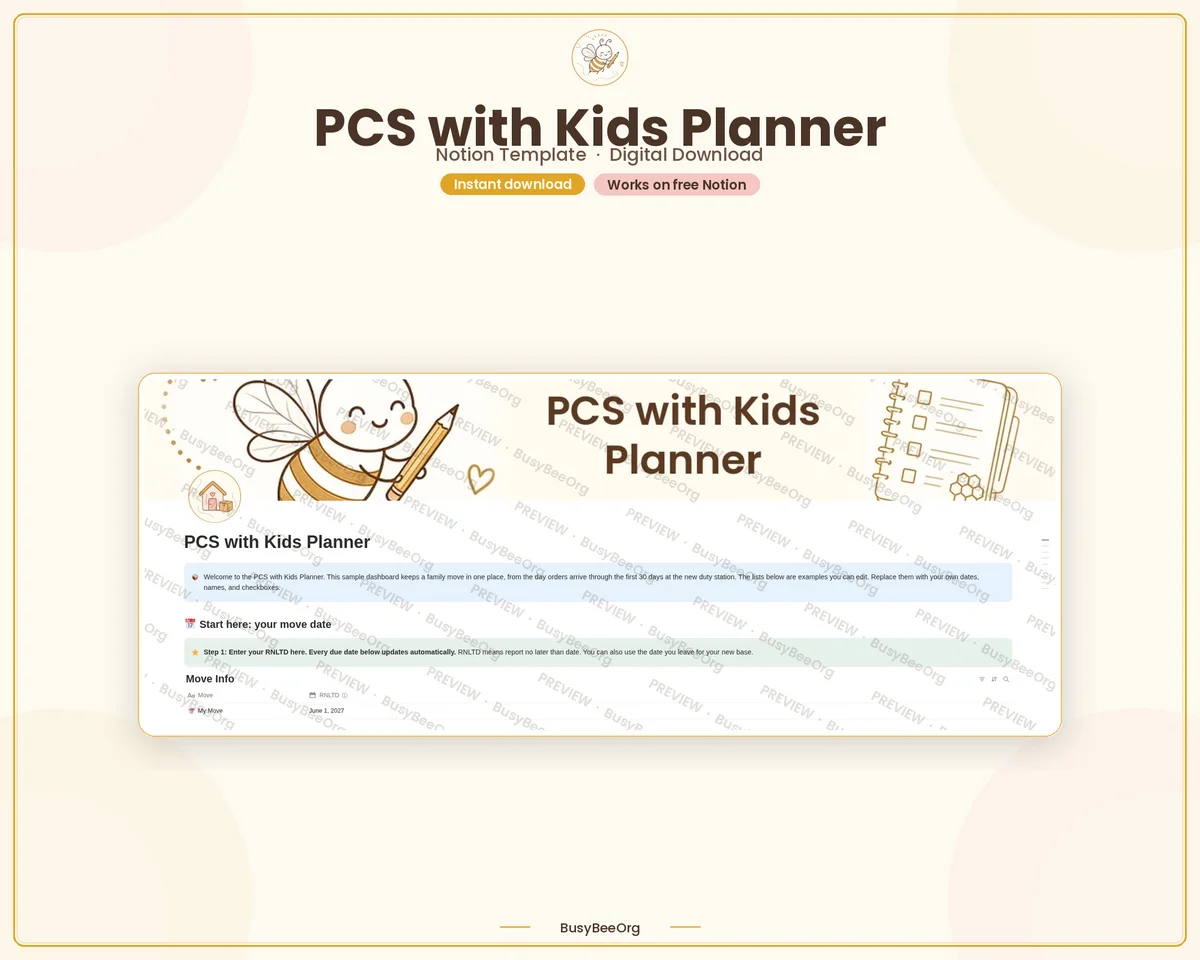
PCS with Kids Notion Template
Your whole military move in one place, from the day orders arrive to the first week at your new base.
Secure checkout, payment, and instant delivery happen on Etsy.
- Instant download
- Works on the free Notion plan
- Personal use
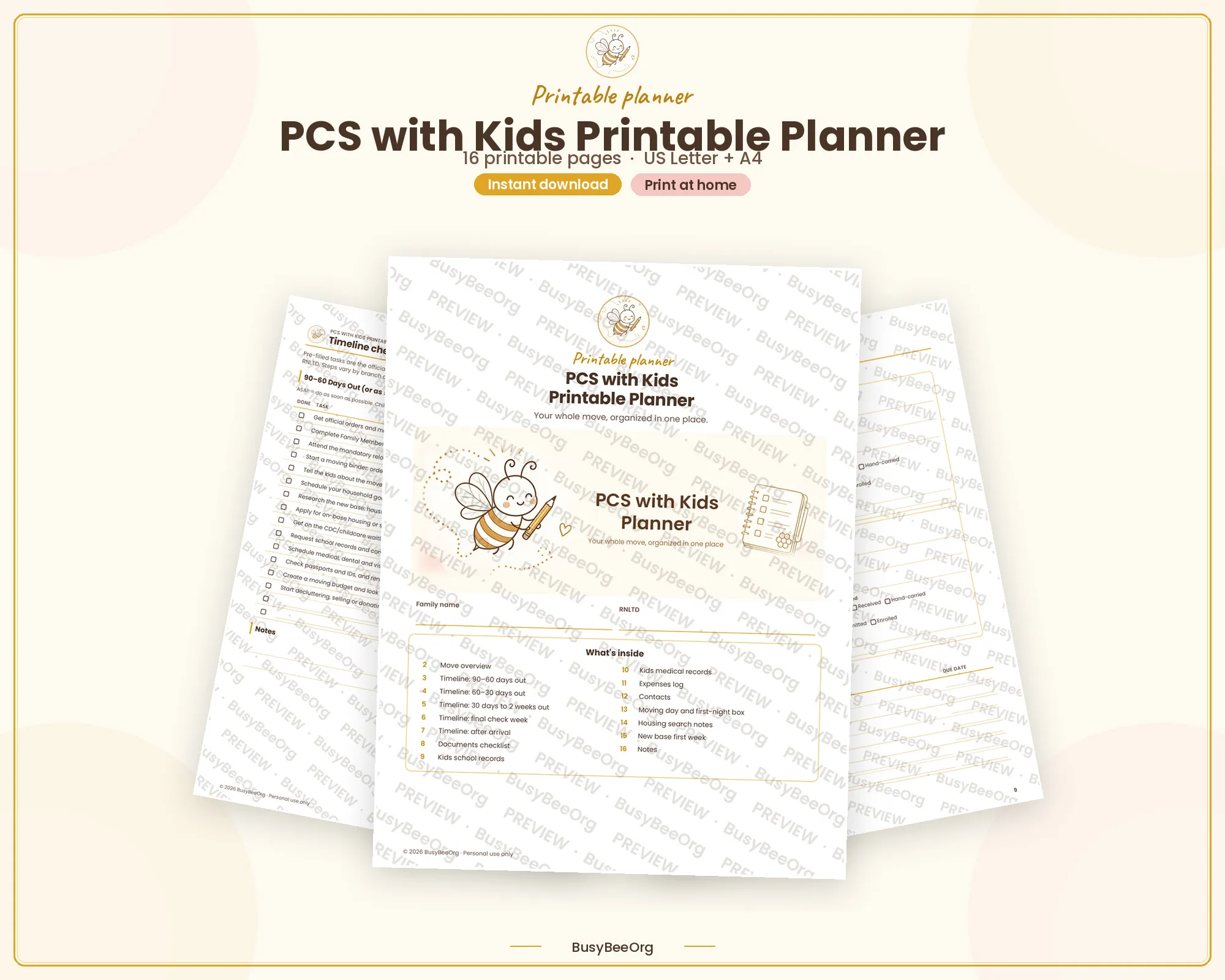
- Personal use, with a PDF guide included
What's inside
Everything in one place.
Duplicate it once, then edit anything. The sample rows are there to show you how it works.
- Move Info with your RNLTD and the dates that calculate from it
- Timeline & Tasks with table, phase board, and calendar views
- A documents checklist for orders, IDs, records, and pet paperwork
- Kids school and medical tracker for each child
- Expenses log for the move
- Contacts list for housing, school, medical, and your sponsor
- Sample rows and a start-here note so the dashboard makes sense on day one
How it works.
Three steps, and you can start with the page that is stressing you out the most.
- 01
Buy and download
Purchase on Etsy, then download the PDF from your Purchases page.
- 02
Click the duplicate link
The PDF walks you through copying the template into your own Notion workspace.
- 03
Add your RNLTD
Enter your report-no-later-than date once, then work through tasks by phase.
Good to know
The small print, in plain words.
No surprises. If something is unclear, message me on Etsy before you buy.
Before you buy
- This is a digital download. Nothing physical will ship.
- Works on the free Notion plan, on desktop, web, tablet, and phone.
- Reusable for every move. Duplicate it and rename it for the next one.
- You can edit tasks, phases, categories, views, and colors.
- Digital items are not refundable, but message me if a file or link gives you trouble and I will make it right.
- For personal use only. Please do not resell or share the template.
- Not affiliated with or endorsed by the Department of Defense, any branch of the military, or Notion Labs, Inc.
Questions
Before you add it to your cart.
Do I need a paid Notion plan?
No. The template works on the free Notion plan.
What is an RNLTD?
It is the report-no-later-than date on your orders. Enter it in Move Info and the timeline due dates fill in from there.
Can I use it for more than one move?
Yes. Duplicate the template for each move and rename it.
Is this a physical planner?
No. You get a PDF with a link that copies the template into Notion.
Still wondering something? Message me on Etsy.
Pairs well with this one.
The same season, a different format.
One tiny step
Start with the page that feels heaviest.
You do not have to organize the whole season today. Pick one page, fill in what you know, and come back later.